You don't need to be big to automate.
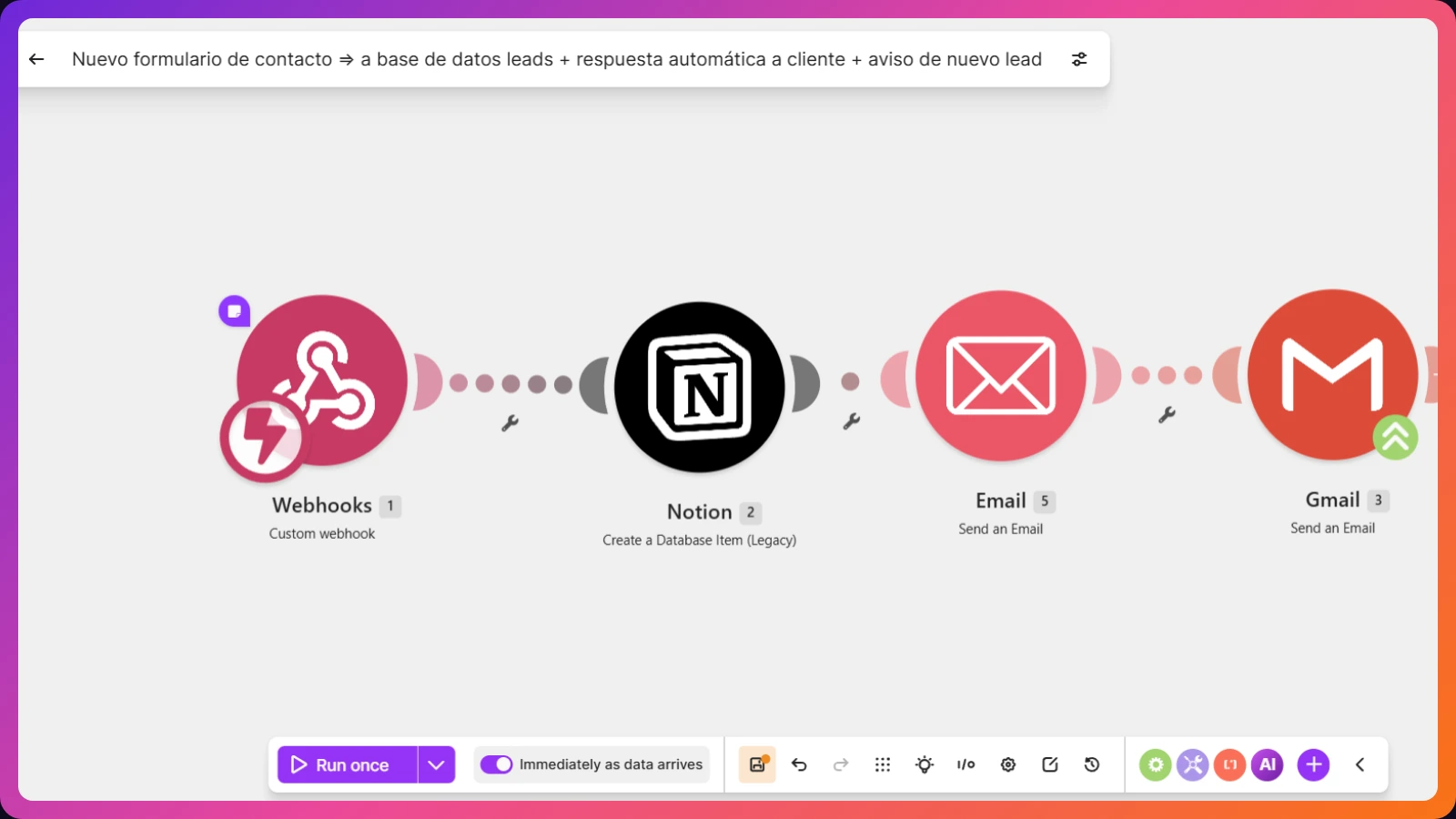
Automation isn't just for big companies with IT teams. Here are three small automations that save any freelancer or small business hours every single week.
1. Reminders for unpaid invoices
If you track your invoices in a Google Sheet, Notion, Asana, Trello, or any similar tool, an automation can check it every Monday at 9am, spot which ones have been unpaid for more than 30 days, and send you an email (or a Telegram alert) with the list and the client's details. It flags it before you forget to chase the payment.
2. Collect all your invoices in Google Drive without lifting a finger
You get an email with the word "invoice" and an attachment. The automation downloads it on its own and saves it, neatly organized, in a Drive folder. By the time the quarter ends and you need to send everything to your accountant, it's already there — no digging through your inbox message by message.
3. Manage your leads automatically
Every time someone fills out the contact form on your website, the automation saves their details, neatly organized, in your database (Notion, a Sheet, whatever you use) and sends them a confirmation email right away — no copying anything by hand, no remembering to reply.
How to figure out what to automate
You don't need to start with the most complicated thing. The question that usually works is: what do I do the exact same way, every single week? That repetitive task is almost always the one you can automate first, and the one that gives back the most time for the effort it takes to set up.
FAQ
Do I need to know how to code to set up these automations?
No. Tools like Make let you build them by visually connecting apps, without writing any code.
How much does it cost to automate something like this?
Simple automations like these usually cost much less than the hours you'd spend doing the same process by hand every week.
Where do I start if I want to automate something in my business?
Start by identifying the task you repeat the exact same way, every week — that's almost always the one you can automate (here's a real example built step by step).
Which of the three would help you most?
Or tell me about another one you always do by hand — it might have a fix.
Let's talk